
Samsung 5K UHD Signage QPDX‑5K Series 105" Ultra-Wide Display
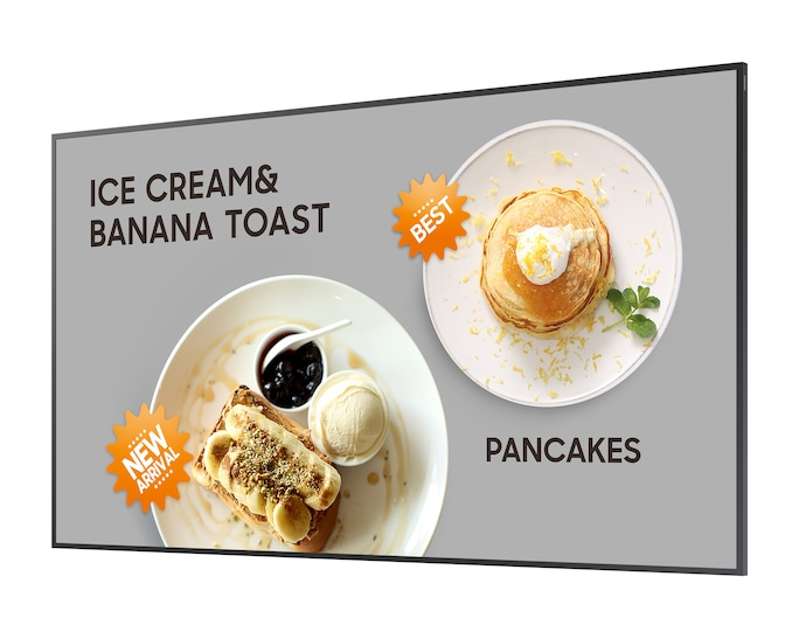
QPDX-5K Series 5K UHD 105" Ultra-Wide Display Signage
Key Features
- 105" 5K Ultra-Wide (21:9) display for expansive viewing
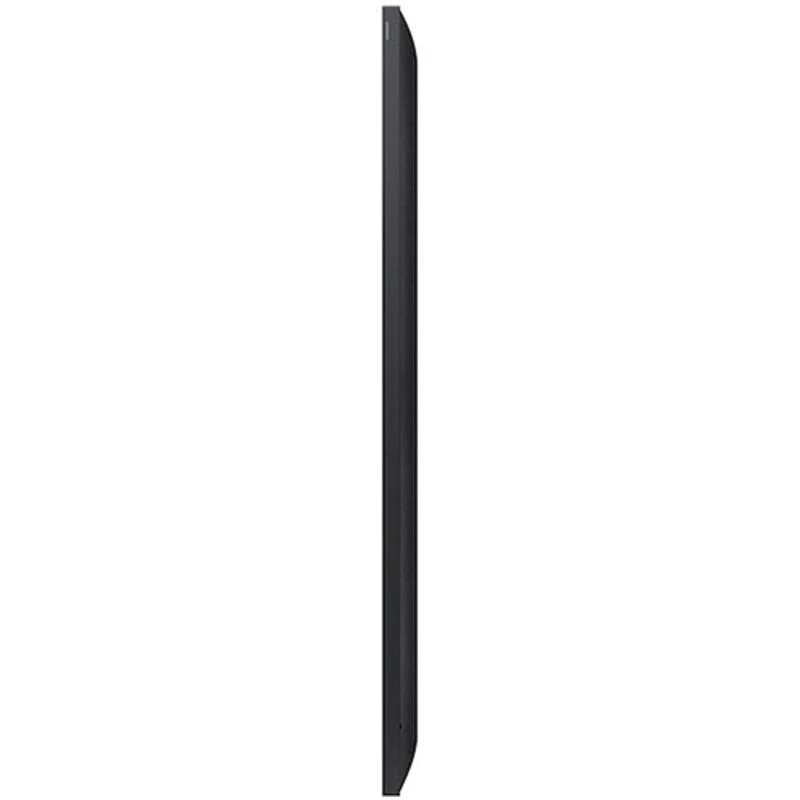
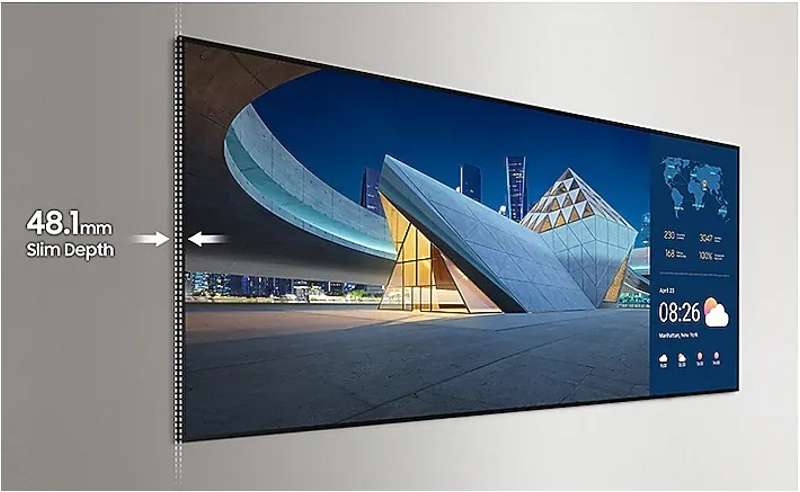
- Slim 48.1 mm depth for elegant, space‑efficient installations
- 5K resolution with exceptional clarity for detailed content
- Non-glare panel ensures visibility from all angles
- SMARTVIEW+ wireless screen sharing for seamless collaboration
- USB‑C connectivity for display mirroring and device charging
- OPS expansion capability for Windows integration
- Smart Calibration for consistent branding across locations
- Professional Modes: Director Mode & DICOM Simulation Mode
- SmartThings Pro and Samsung VXT for advanced control and remote management
Scale up your business with a supersized screen
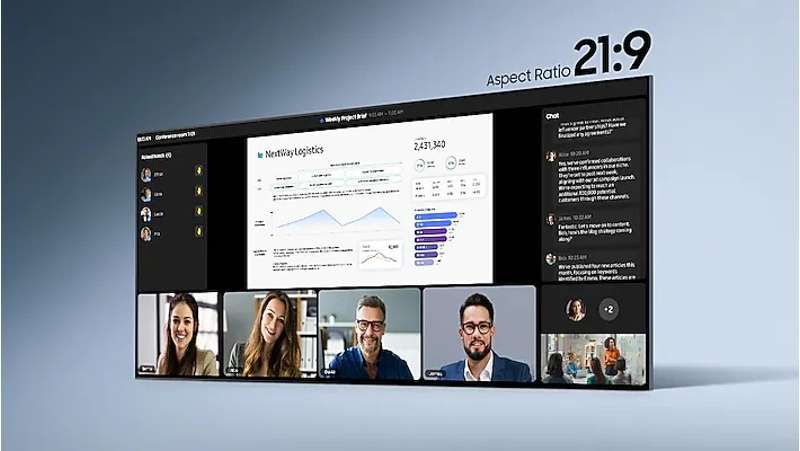
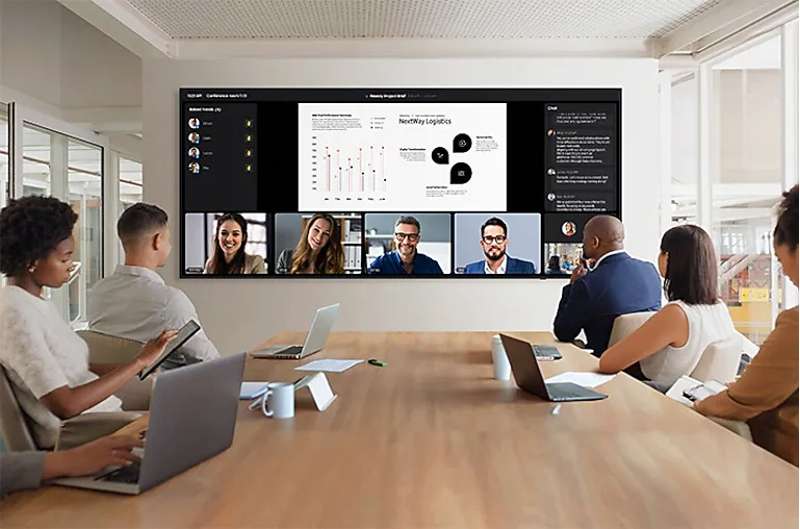
The QPDX‑5K Series elevates modern meeting spaces with a 105-inch supersized display that replaces multi‑display walls with a seamless, ultra-wide visual canvas. Its expansive field of view eliminates distracting bezels and enhances visual storytelling, collaboration, and real-time communication.
See it all in one view with an expansive display
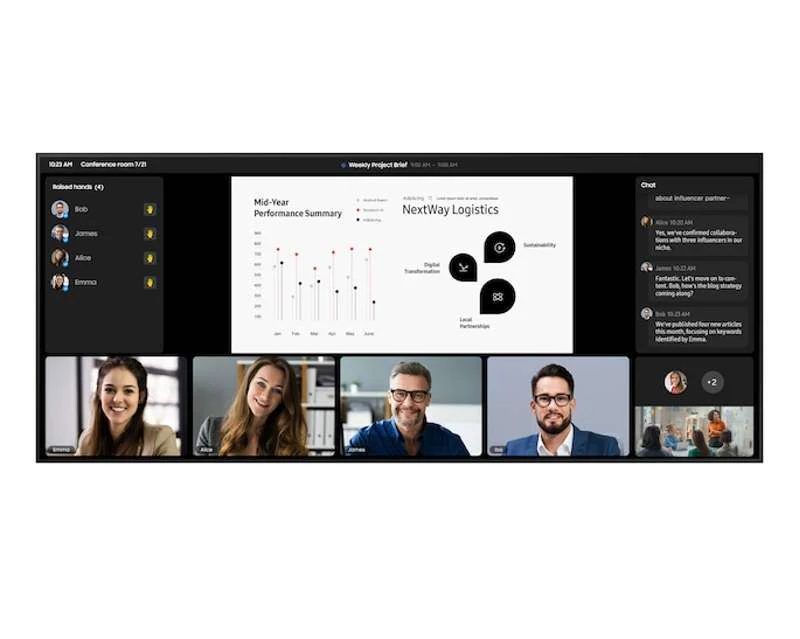
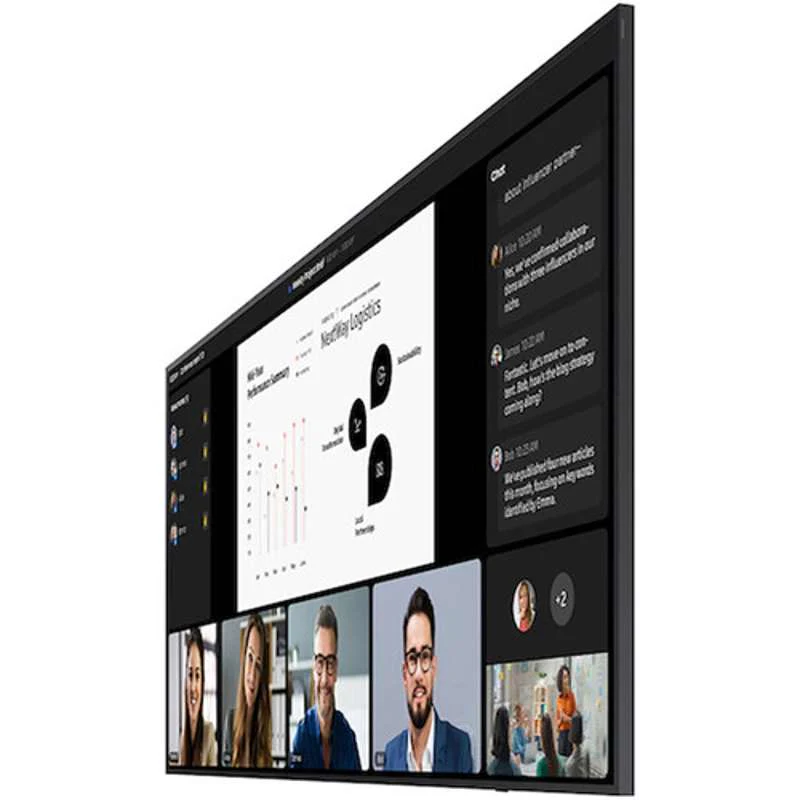
The 21:9 ultra‑wide aspect ratio is optimized for next-generation meeting layouts, providing equal presence for both in‑room and remote participants. Designed for platforms that support panoramic conferencing layouts, the QPDX‑5K fosters immersive collaboration in any meeting environment.
Maximum impact in minimum space
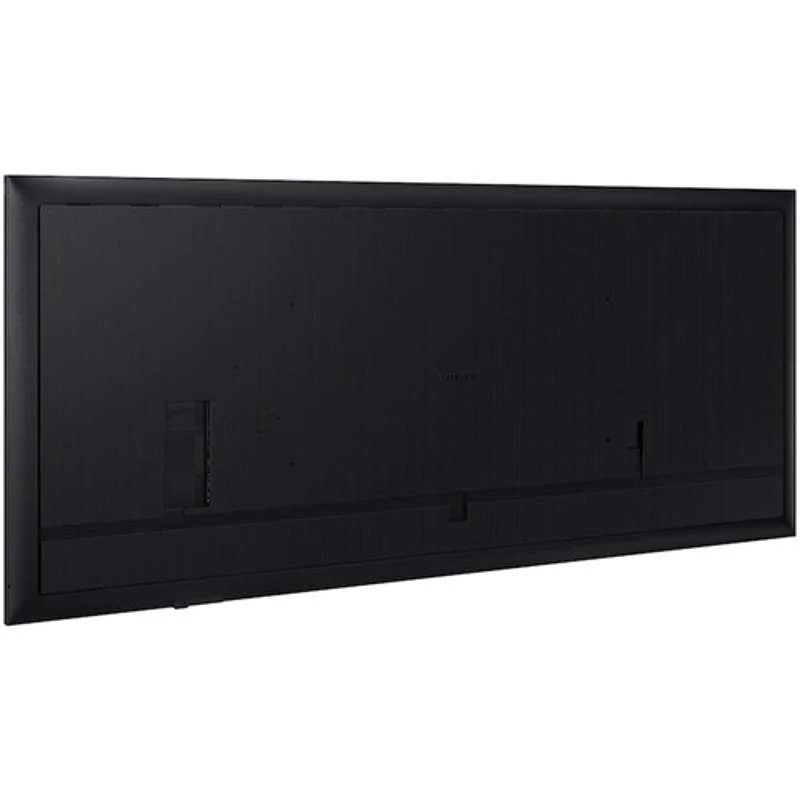
With a remarkably slim 48.1 mm profile, the QPDX‑5K fits effortlessly into sleek, modern interiors. Outward‑facing ports simplify flush wall‑mounting, making it ideal for meeting rooms requiring both performance and aesthetics.
Clean visuals in landscape or portrait mode
Even, consistent bezels ensure professional‑grade visuals in either portrait or landscape orientation. This creates a polished look while maintaining accuracy when the display is rotated.
Display detailed information with 5K Resolution
The QPDX‑5K’s ultra-clear 5K resolution reveals fine detail, text clarity, and precision across wide visual layouts. Its wide viewing angle ensures every participant—regardless of seating position—sees accurate, vivid imagery.
View critical information visibly
The non‑glare panel reduces reflections from ambient light and maintains visibility throughout the day. This ensures critical information remains clear in high‑brightness spaces such as meeting rooms, classrooms, and control centers.
Collaborate instantly with wireless screen sharing
SMARTVIEW+ brings cable‑free collaboration to the meeting room. Users can wirelessly share screens at the start of a meeting and switch between presenters effortlessly. The display supports wireless viewing from up to 10 devices simultaneously.
Connect easily and efficiently with USB‑C
The USB‑C port allows for display mirroring and device charging through a single cable. This streamlined connection improves usability and reduces clutter, enabling smooth transitions during meetings.
Use your favorite solution for your business
With OPS (Open Pluggable Specification) capability, users can integrate a Windows-based module directly into the display—eliminating the need for separate PCs or additional cabling and delivering a more unified meeting experience.
Connect with convenience
The upgraded Home UI organizes Favorites, Sources, and Settings into a single streamlined interface. Users can access frequently used features instantly for fast and easy operation.
Simplified calibration between screens
Smart Calibration via the Samsung mobile app fine-tunes display settings—such as white balance, brightness, and color accuracy—ensuring consistent brand visuals across every location.
Enhance professional environments with expert tools
Director Mode minimizes post‑processing for accurate content review, while DICOM Simulation Mode provides standardized grayscale mapping ideal for non‑diagnostic medical imaging, training, and educational use.
Empower your business with smart control
SmartThings Pro brings IoT‑enabled automation to your digital signage ecosystem, powering down unused devices, managing energy‑saving functions, and integrating seamlessly with smart building systems.
Original: $17,500.00
-65%$17,500.00
$6,125.00Product Information
Product Information
Shipping & Returns
Shipping & Returns
Description
QPDX-5K Series 5K UHD 105" Ultra-Wide Display Signage
Key Features
- 105" 5K Ultra-Wide (21:9) display for expansive viewing
- Slim 48.1 mm depth for elegant, space‑efficient installations
- 5K resolution with exceptional clarity for detailed content
- Non-glare panel ensures visibility from all angles
- SMARTVIEW+ wireless screen sharing for seamless collaboration
- USB‑C connectivity for display mirroring and device charging
- OPS expansion capability for Windows integration
- Smart Calibration for consistent branding across locations
- Professional Modes: Director Mode & DICOM Simulation Mode
- SmartThings Pro and Samsung VXT for advanced control and remote management
Scale up your business with a supersized screen
The QPDX‑5K Series elevates modern meeting spaces with a 105-inch supersized display that replaces multi‑display walls with a seamless, ultra-wide visual canvas. Its expansive field of view eliminates distracting bezels and enhances visual storytelling, collaboration, and real-time communication.
See it all in one view with an expansive display
The 21:9 ultra‑wide aspect ratio is optimized for next-generation meeting layouts, providing equal presence for both in‑room and remote participants. Designed for platforms that support panoramic conferencing layouts, the QPDX‑5K fosters immersive collaboration in any meeting environment.
Maximum impact in minimum space
With a remarkably slim 48.1 mm profile, the QPDX‑5K fits effortlessly into sleek, modern interiors. Outward‑facing ports simplify flush wall‑mounting, making it ideal for meeting rooms requiring both performance and aesthetics.
Clean visuals in landscape or portrait mode
Even, consistent bezels ensure professional‑grade visuals in either portrait or landscape orientation. This creates a polished look while maintaining accuracy when the display is rotated.
Display detailed information with 5K Resolution
The QPDX‑5K’s ultra-clear 5K resolution reveals fine detail, text clarity, and precision across wide visual layouts. Its wide viewing angle ensures every participant—regardless of seating position—sees accurate, vivid imagery.
View critical information visibly
The non‑glare panel reduces reflections from ambient light and maintains visibility throughout the day. This ensures critical information remains clear in high‑brightness spaces such as meeting rooms, classrooms, and control centers.
Collaborate instantly with wireless screen sharing
SMARTVIEW+ brings cable‑free collaboration to the meeting room. Users can wirelessly share screens at the start of a meeting and switch between presenters effortlessly. The display supports wireless viewing from up to 10 devices simultaneously.
Connect easily and efficiently with USB‑C
The USB‑C port allows for display mirroring and device charging through a single cable. This streamlined connection improves usability and reduces clutter, enabling smooth transitions during meetings.
Use your favorite solution for your business
With OPS (Open Pluggable Specification) capability, users can integrate a Windows-based module directly into the display—eliminating the need for separate PCs or additional cabling and delivering a more unified meeting experience.
Connect with convenience
The upgraded Home UI organizes Favorites, Sources, and Settings into a single streamlined interface. Users can access frequently used features instantly for fast and easy operation.
Simplified calibration between screens
Smart Calibration via the Samsung mobile app fine-tunes display settings—such as white balance, brightness, and color accuracy—ensuring consistent brand visuals across every location.
Enhance professional environments with expert tools
Director Mode minimizes post‑processing for accurate content review, while DICOM Simulation Mode provides standardized grayscale mapping ideal for non‑diagnostic medical imaging, training, and educational use.
Empower your business with smart control
SmartThings Pro brings IoT‑enabled automation to your digital signage ecosystem, powering down unused devices, managing energy‑saving functions, and integrating seamlessly with smart building systems.